I clicked the link. Is my phone hacked?
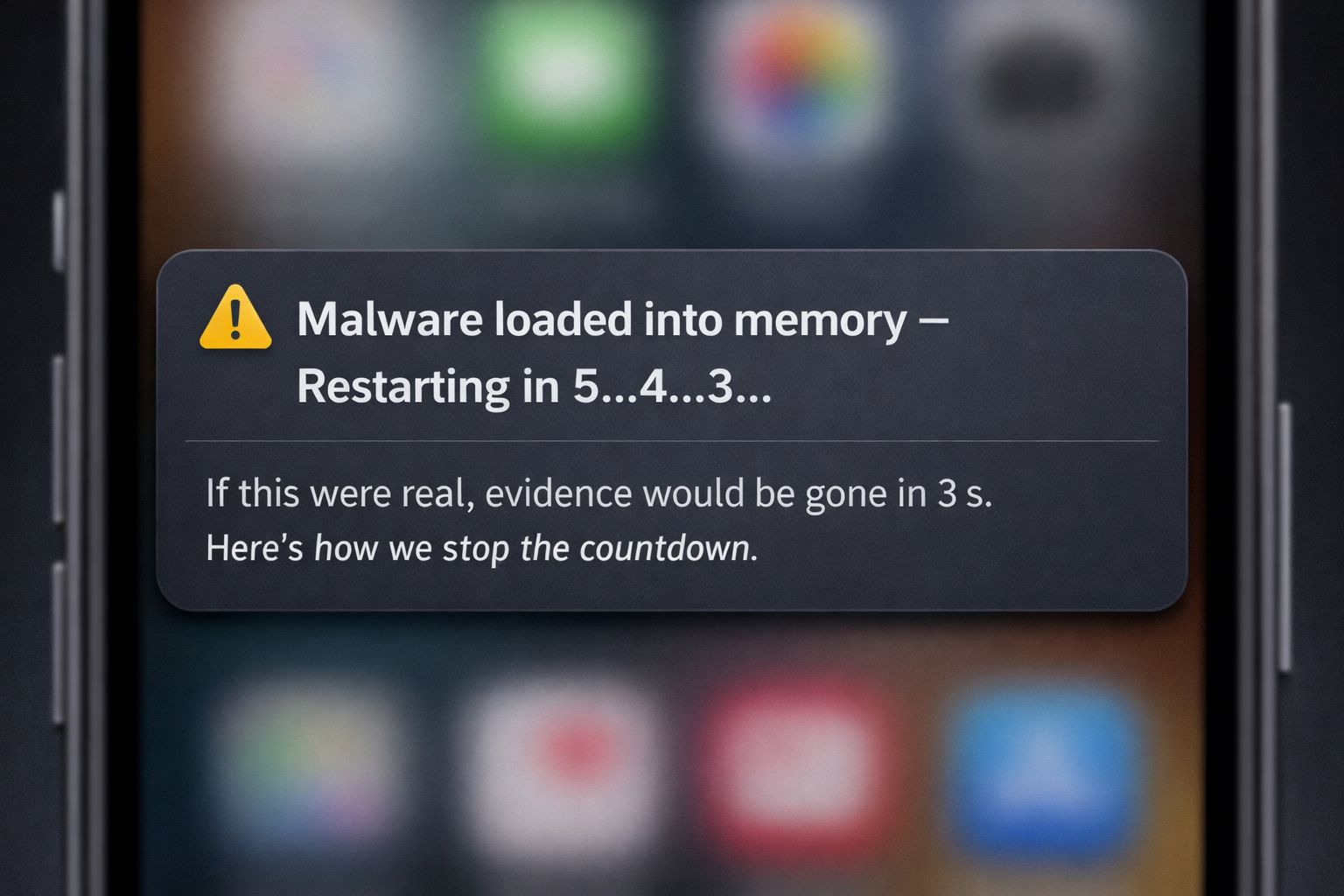

This question comes up constantly, both with iPhones and Androids.
In the vast majority of text phishing (smishing) cases, clicking a malicious link does not install malware on your phone like a traditional app.
What usually happens instead:
• The malicious code runs in memory
• Often inside the browser or a web view
• It does not persist after a reboot
In plain English:
Restarting the phone typically kills the malicious process.
That’s the good news.
Here’s the part that actually matters.
While the code may disappear after a reboot, anything you entered while it was running was probably saved by the bad guys:
• Usernames
• Passwords
• MFA codes
• Personal or financial information
Attackers are often less interested in owning your phone and more interested in harvesting credentials that let them log in somewhere else later.
So the real risk usually isn’t the device.
It’s the accounts connected to it.
Practical takeaways:
• Rebooting your phone is often an effective immediate step
• Change any passwords entered after clicking the link
• Review active sessions on important accounts and log out anything you don’t recognize*
• Do.Not.Click.That.Link!
*Many services keep users logged in on multiple devices. If an attacker used stolen credentials, they may already have an active session. Ending those sessions cuts them off, even if they have the password.
Advice: reboot your phone once a week.